
2026-06-26
Roblox PFP Guide for Small Icons
Create a Roblox profile picture that stays recognizable in Discord, friend lists, group rosters, and compact thumbnails.
Player goal
Make a Roblox avatar image that stays recognizable when it is displayed as a small circle or square.
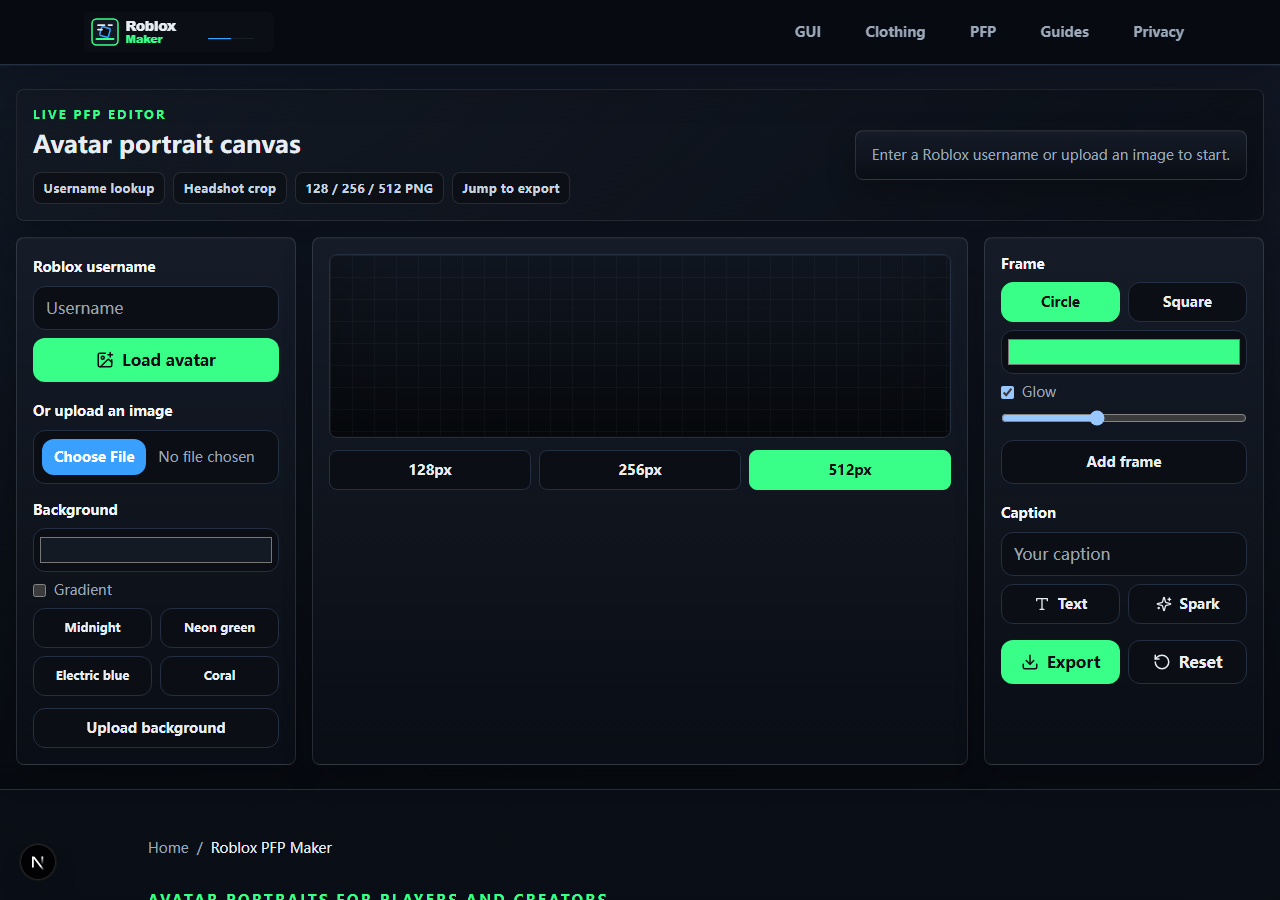
- Load a public Roblox username thumbnail or upload your own image.
- Center the face before adding frames, captions, or glow.
- Choose circle for social avatars and square for cards or thumbnails.
- Check the small-size preview before export.
- Download PNG at the size your platform needs.
Start with recognition
A profile picture has one job: help people recognize you quickly. In Roblox Maker, load the avatar first, then crop for the face shape before choosing frames. Hair, hats, glasses, and shoulder accessories can all help identity, but only if the face remains clear.
As a Roblox player, I like PFPs that look good in a server list. If the frame is louder than the avatar, the image becomes harder to remember. Use effects to separate the avatar from the background, not to cover the subject.
- Face is centered
- Important accessory is not cropped off
- Frame does not cover the avatar
- Background contrasts with hair and clothes
Use thumbnails responsibly
Roblox public thumbnail endpoints can return avatar headshots and related avatar imagery. Roblox Maker uses that idea for quick editing, while also letting you upload your own image when you need a custom pose or art that is not tied to a username.
If a public username image does not load, use the upload path instead. That keeps the PFP workflow useful even when a username is misspelled, private, moderated, or temporarily unavailable from the thumbnail service.
- Username spelling checked
- Upload fallback available
- No private account assumption
- Exported image is owned or allowed for your use
Export for where the image will live
Use 512 px when you want a clean source file, then export smaller sizes for platforms that compress avatars. The smaller the final display, the less text you should use. Short captions, strong silhouettes, and simple frames survive compression better.
Before downloading, look at the preview as if it were in a Discord member list or Roblox group roster. If the caption is not readable, remove it. If the avatar blends into the background, increase contrast instead of adding more glow.
- 512 px source export saved
- 128 or 256 px version checked for compact use
- Caption readable or removed
- PNG background and crop shape match the destination
References and next step
Share this guide
Copy the canonical link for Discord or share it directly on social platforms.